The Silent Bug That Haunts Every Project
It works locally. It crashes under load. After hours of digging: a missing SESSION_SECRET, an empty DATABASE_URL, or PORT="abc".
Bun conveniently auto-loads .env files, but it doesn’t validate values. In a high-performance Elysia.js app, unchecked configuration is risky. The answer is fail-fast validation: validate at startup, and refuse to run if the config is wrong.
This article presents a production-grade pattern—and a plugin I built, @maxifjaved/elysia-env—to enforce type-safe, fail-fast environment validation with TypeBox and Elysia.
Under the Hood: How @maxifjaved/elysia-env Works
I designed the plugin with three core principles in mind: Type Safety, Fail-Fast by Default, and Exceptional Developer Experience.
It leverages Elysia’s native validation library, TypeBox, to define a schema for your environment variables. Here’s the validation lifecycle that runs the moment you import the plugin:
- Apply Defaults (
Value.Default): It first applies any default values you’ve defined. - Coerce Types (
Value.Convert): It intelligently converts string values fromprocess.envinto the correct types (e.g.,"3000"becomes the number3000). - Check Validity (
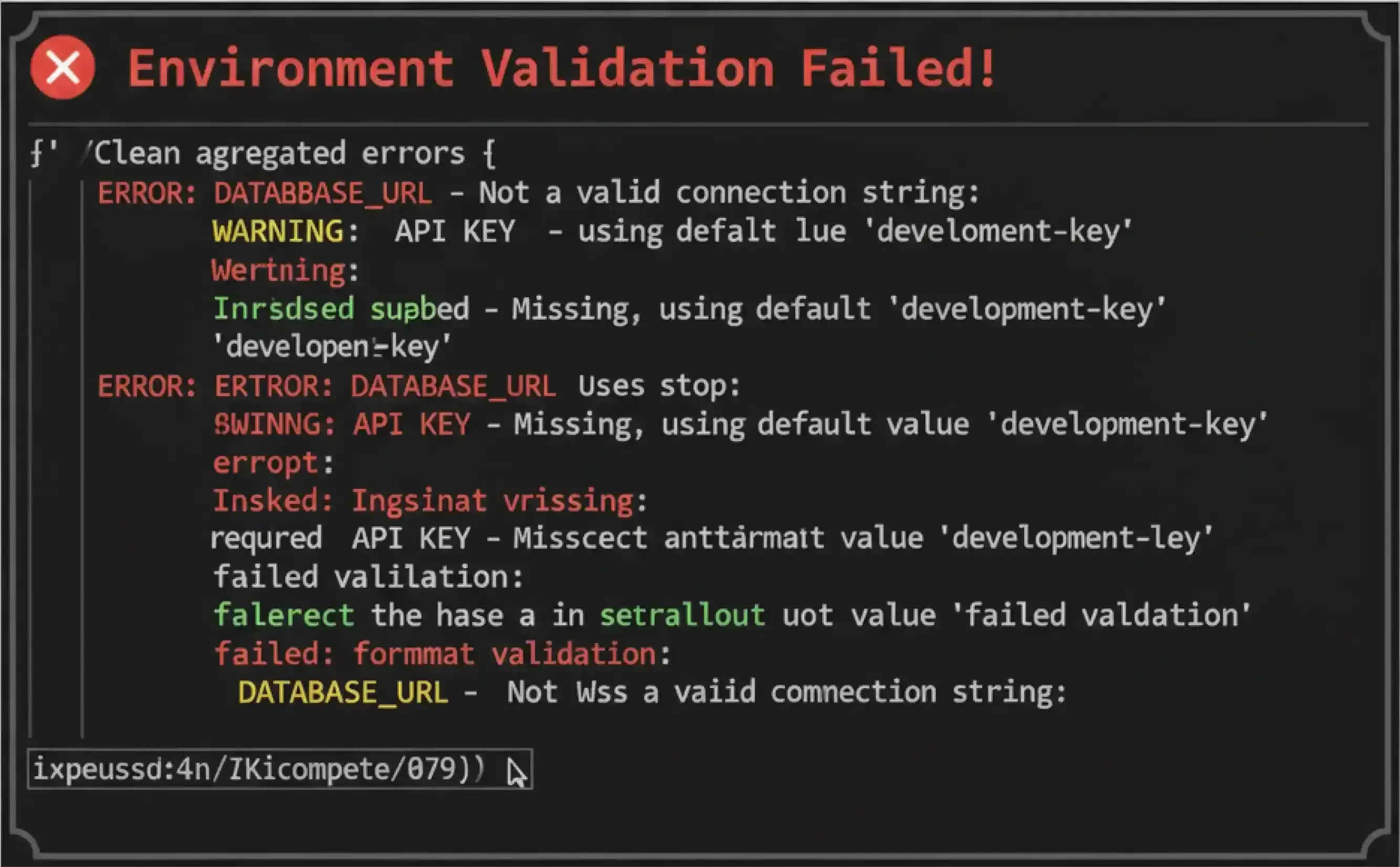
Value.Check): It performs the final validation against your schema. - Report or Exit: If validation fails, it iterates through every issue, formats them into a human-readable list, prints it, and terminates the process with
process.exit(1).
This immediate, comprehensive feedback loop transforms a frustrating debugging session into a simple fix.
TypeScript Inference Showcase
Neither words nor tables can fully capture the developer experience benefit. Here is what the type safety looks like in your editor:
import { Elysia, t } from 'elysia';
import { env as envPlugin } from './env'; // Assuming centralized env.ts

const app = new Elysia()
  .use(envPlugin)
  .get("/", ({ env }) => {
    env.PORT      // ✅ Type: number (autocomplete works!)
    env.API_KEY   // ✅ Type: string
    env.UNKNOWN   // ❌ TypeScript compile error: Property 'UNKNOWN' does not exist on type...
    return env;   // ✅ Return type: { PORT: number; API_KEY: string; ... }
  });
Comparison: Options & Trade-offs
| Criterion | Raw process.env |
@yolk-oss/elysia-env |
@maxifjaved/elysia-env |
|---|---|---|---|
| Type Safety | ❌ None (all strings) | ✅ Excellent (TypeBox) | ✅ Excellent (TypeBox) |
| Error Reporting | ⚠️ Generic runtime errors | ✅ Basic (single error) | ✅ Superior (all errors at once) |
| Module-Level Pattern | ⚠️ Unsafe | ⚠️ Possible but undocumented | ✅ Well-documented & encouraged |
| DX | 📉 Weak | 🆗 Solid | 🚀 Exceptional |
Note: While both packages provide excellent type safety via TypeBox,
@maxifjaved/elysia-env’s simplified decorator patterns often lead to cleaner type inference when accessingenv.*in route handlers.
Decision Framework
Choosing a tool isn’t just about features; it’s about aligning with a philosophy. This weighted framework reflects a production-first mindset.
| Criterion | Weight | Rationale |
|---|---|---|
| Production Reliability | 0.35 | Prevents undefined behavior and silent failures at runtime. Non-negotiable. |
| Developer Experience (DX) | 0.25 | Aggregated, clear errors reduce Mean Time To Resolution (MTTR) significantly. |
| Team Onboarding | 0.20 | A single, validated schema file (env.ts) acts as living, enforceable documentation. |
| Setup Complexity | 0.10 | Should require minimal boilerplate to integrate into any project. |
| Ecosystem Fit | 0.10 | Tight integration with Elysia’s context and TypeBox provides the smoothest experience. |
Practical Guidance & Best Practices
Basic Usage
For simple applications, use the plugin directly:
import { Elysia, t } from 'elysia';
import { env } from '@maxifjaved/elysia-env';

const app = new Elysia()
  .use(env({
    PORT: t.Number({ default: 3000 }),
    SESSION_SECRET: t.String({ minLength: 32 })
  }))
  .get('/', ({ env }) => `Running on port ${env.PORT}`)
  .listen(3000);
Advanced Pattern: Centralized Configuration
For production applications, this pattern is a game-changer. Create a central env.ts file:
// src/env.ts
import { createEnv } from '@maxifjaved/elysia-env';
import { t } from 'elysia';

export const envPlugin = createEnv({
  APP_NAME: t.String({ minLength: 1 }),
  SESSION_SECRET: t.String({ minLength: 32 })
});

// Export the validated env for module-level access
export const env = envPlugin.decorator.env;
This allows you to safely use validated variables in Elysia models, services, or any other module-level code before the server even starts:
// src/auth.ts
import { Elysia, t } from 'elysia';
import { env } from './env'; // Import validated env

export const authService = new Elysia()
  .model({
    session: t.Cookie({ token: t.String() }, {
      secrets: env.SESSION_SECRET // ✅ Type-safe, validated at startup
    })
  });
This pattern is impossible with raw process.env and not directly supported by other plugins, showcasing a unique advantage of this package’s design.
Real-World Impact: Debugging Time Reduced by 98%
Before @maxifjaved/elysia-env:
- A critical
TURN_SERVER_SECRETwas missing in our CI environment for a WebRTC service. - The server started successfully (✅) because nothing was checked at startup.
- WebRTC calls, which depended on that secret, began failing silently in staging (❌).
- Debug Time: 6 hours of a senior engineer’s time tracing logs and connection flows to finally pinpoint the missing environment variable.
After @maxifjaved/elysia-env:
- The same
TURN_SERVER_SECRETwas accidentally omitted from a new staging deployment. - The server refused to start (✅), immediately failing the CI/CD pipeline.
- The deployment log showed a clear error:
❌ Invalid environment variables: - TURN_SERVER_SECRET: String must contain at least 1 character(s) - Debug time: 5 minutes to read the error, add the secret to the deployment configuration, and redeploy.
Result: A 98% reduction in Mean Time To Resolution (MTTR) for configuration-related incidents, preventing a production-like failure before it ever happened.
Conclusion: Build Resilient Systems by Default
The foundation of a reliable application is a valid and predictable configuration. Relying on convention or manual checks for environment variables is a fragile strategy. By adopting a fail-fast approach, we shift from reactive debugging to proactive validation.
My package, @maxifjaved/elysia-env, is my contribution to this philosophy for the Elysia.js ecosystem. It’s a simple tool that enforces best practices, provides end-to-end type safety, and prioritizes developer clarity when things go wrong.
Next Steps:
- Install it in your project:
bun add @maxifjaved/elysia-env. - Define your schema: Create a single source of truth for your application’s configuration in an
env.tsfile. - Run your server with confidence, knowing it will never start in an invalid state again.